Small changes to the default applied settings:
- Pivot Snap Distance is now
-1(and not 8) - Not On Object is not enabled by default and:
- Independently closable window information

| Downloads | 178 |
|---|---|
| Updated | 2 years ago |
| Released | 2 years ago |
| Identifier | SetItemSettingsToDefaultBlockSettings |
| Numeric ID | 685 |
| Min. Openplanet | 1.26.0 |
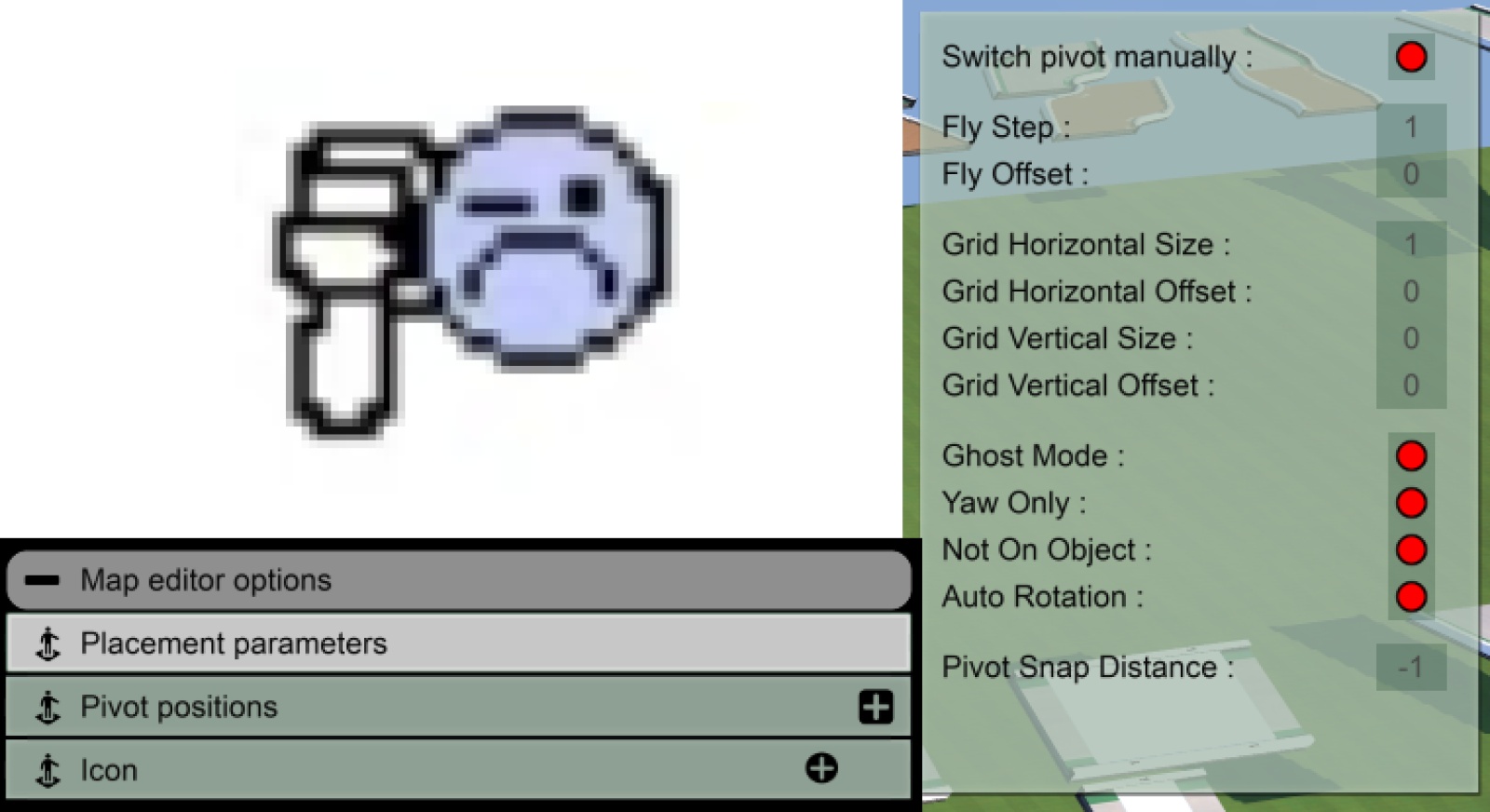
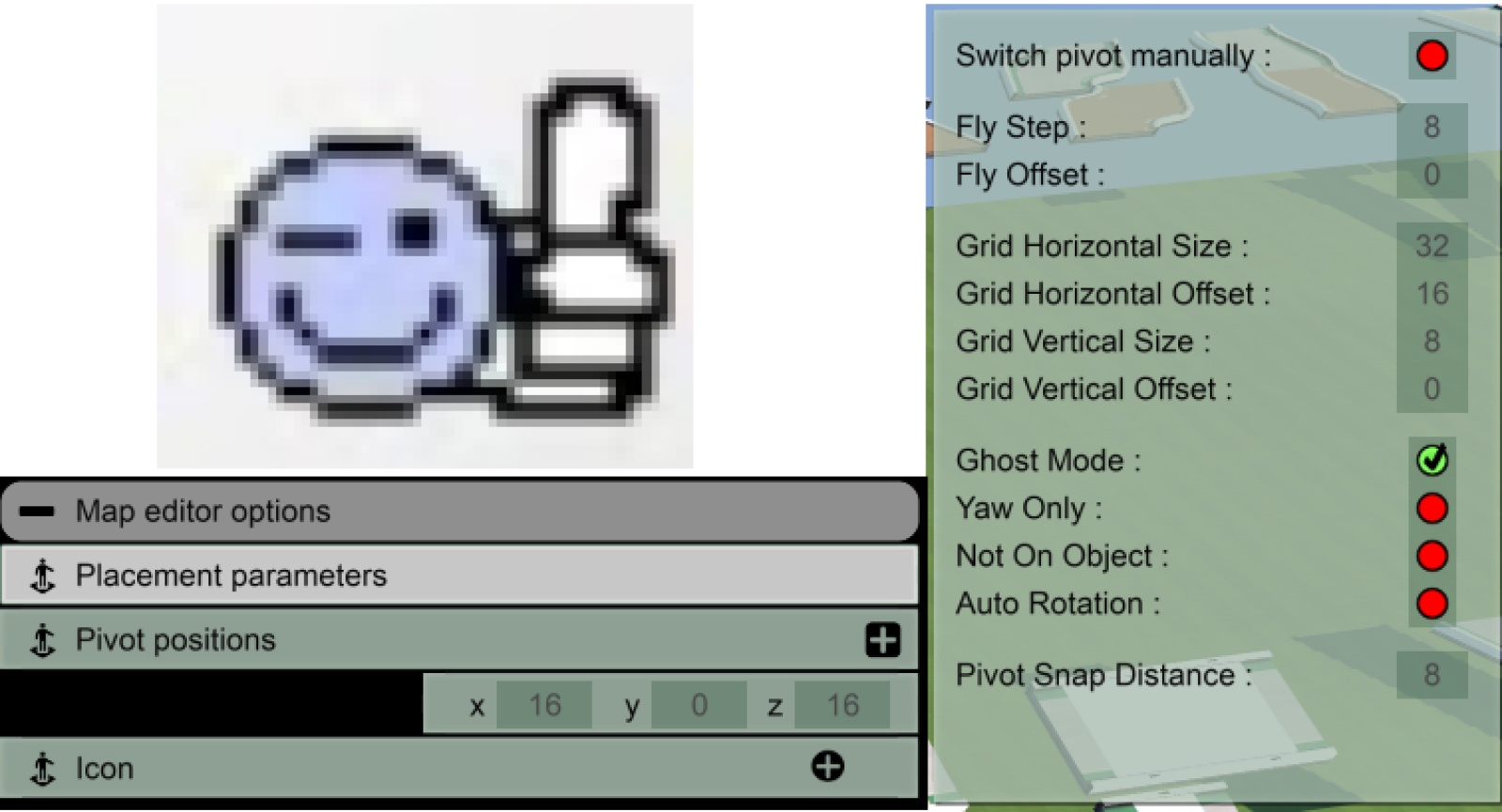
A small plugin that, when the openplanet UI is visible, displays a button that, when pressed, sets the current item to have the default block settings, instead of the default applied 'item' settings. Got tired of having to do this every thie I'm altering a block -> item custom block (looking at you penalty roads, and black platform blocks xdd), so I made a small script that does it at the press of a button :xdd: (Damn, I really just spent more time on the images than I did on the plugin xdd)
Small changes to the default applied settings:
-1 (and not 8)Added:
Added checkbox to automatically set the item to default block settings when an item is opened. UI is automatically also clicked, so that the changes are shown instantly (instead of after some manual interaction with the UI)